 Deutsch
 English

Under Sales you see all incoming orders and can open each line in detail.
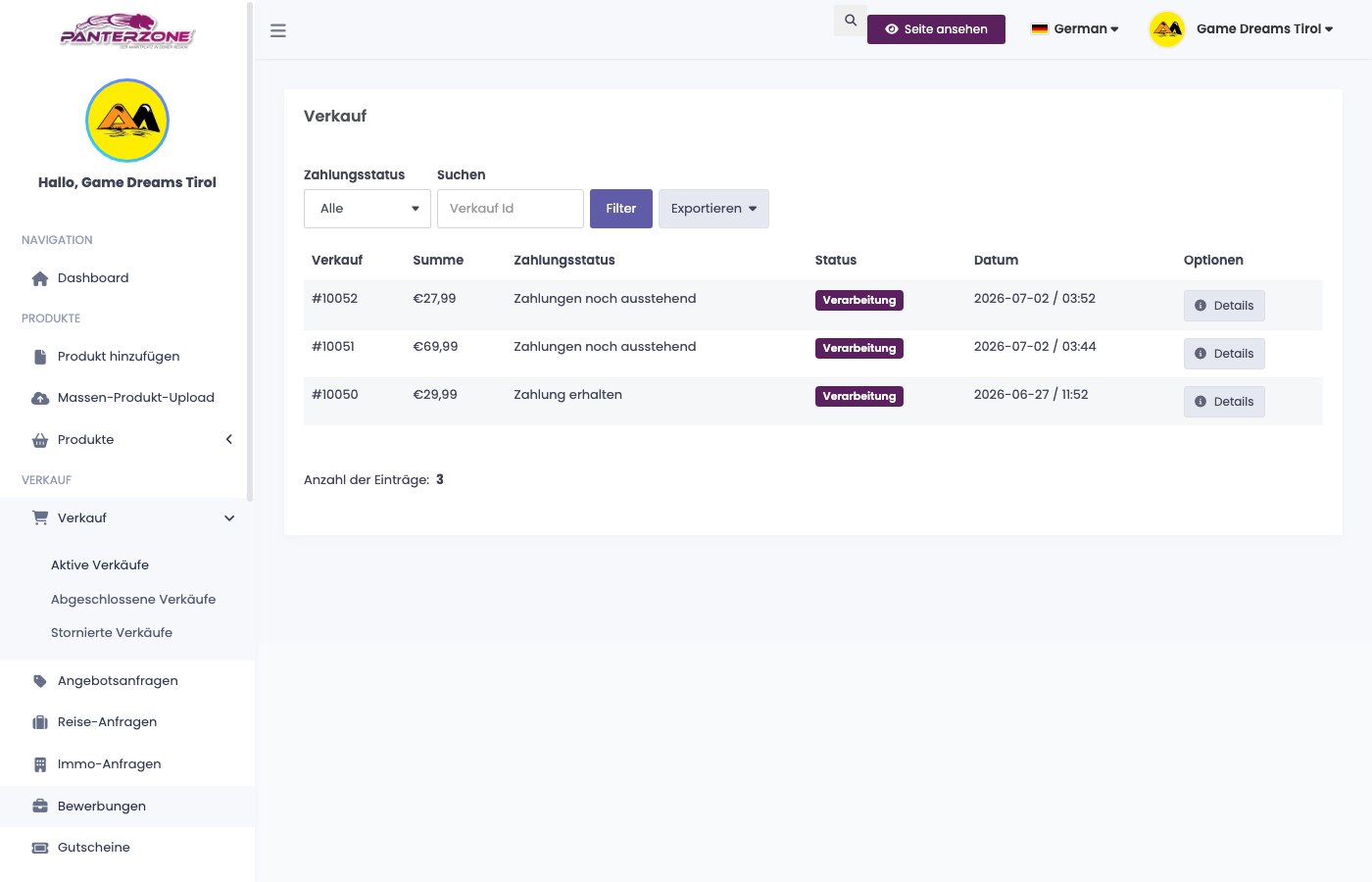
- Open the order and prepare the goods.
- Choose the shipping method for the matching zone.
- Set the status to shipped, the customer is notified automatically.
You only see your own orders. Full details in the documentation: Orders and Fulfillment.
Once an order is paid and waiting to be shipped, you will see a notification in the bell icon at the top right; clicking it takes you straight to your sales.