 Deutsch
 English


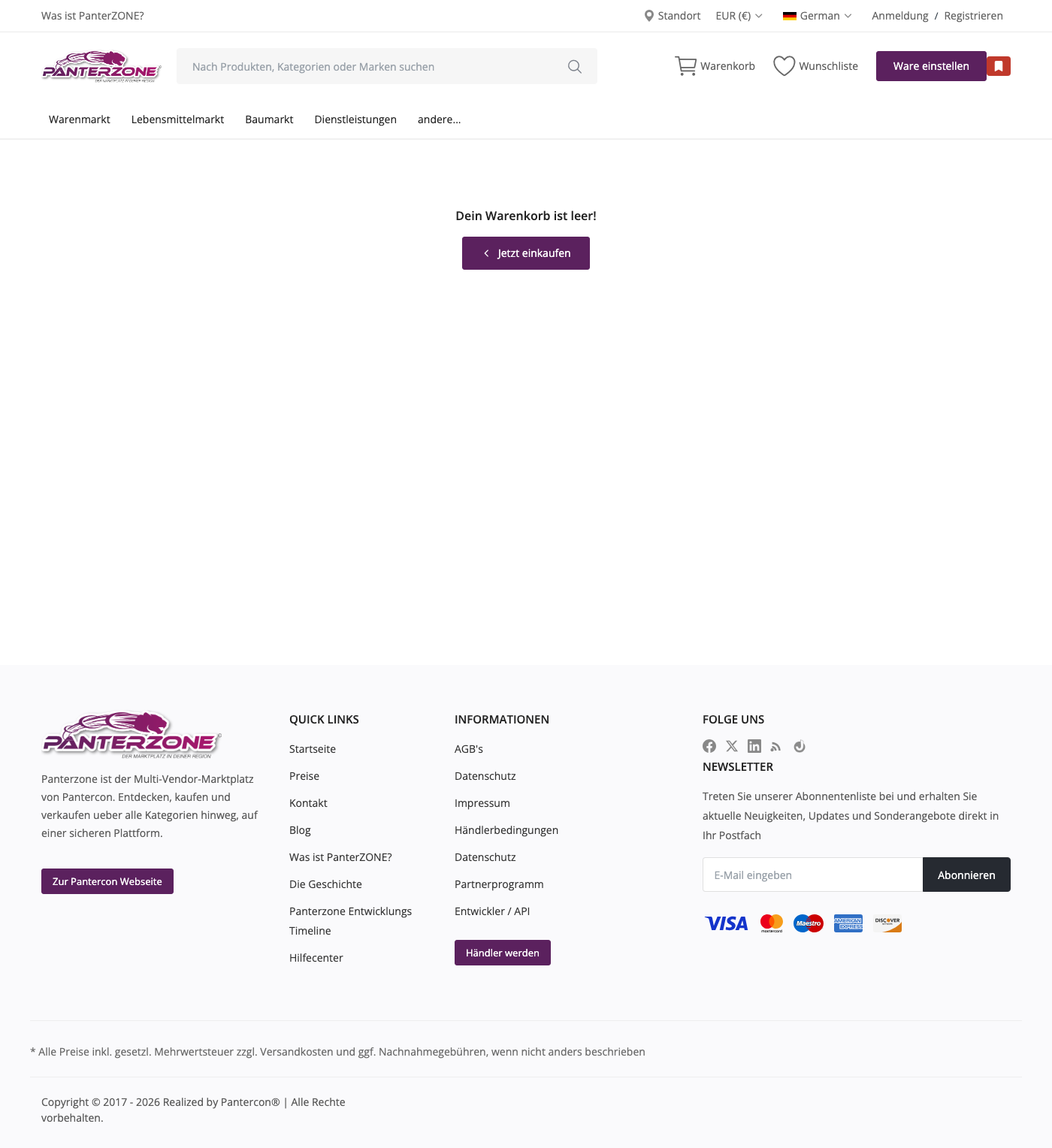
The cart icon at the top right of the header shows how many items you have. Clicking it opens the cart at /cart.
There you adjust the quantity per line or remove an item entirely. Subtotal, shipping and taxes are recalculated with every change.
Full details in the documentation: Shopping Cart.