 Deutsch
 English

Go to Settings > Edit Profile (click your profile picture in the top right). There you change first name, last name, profile picture, phone number and other details.
Save your changes with a click on Save. You can also adjust your public profile URL (slug) there, it must stay unique.
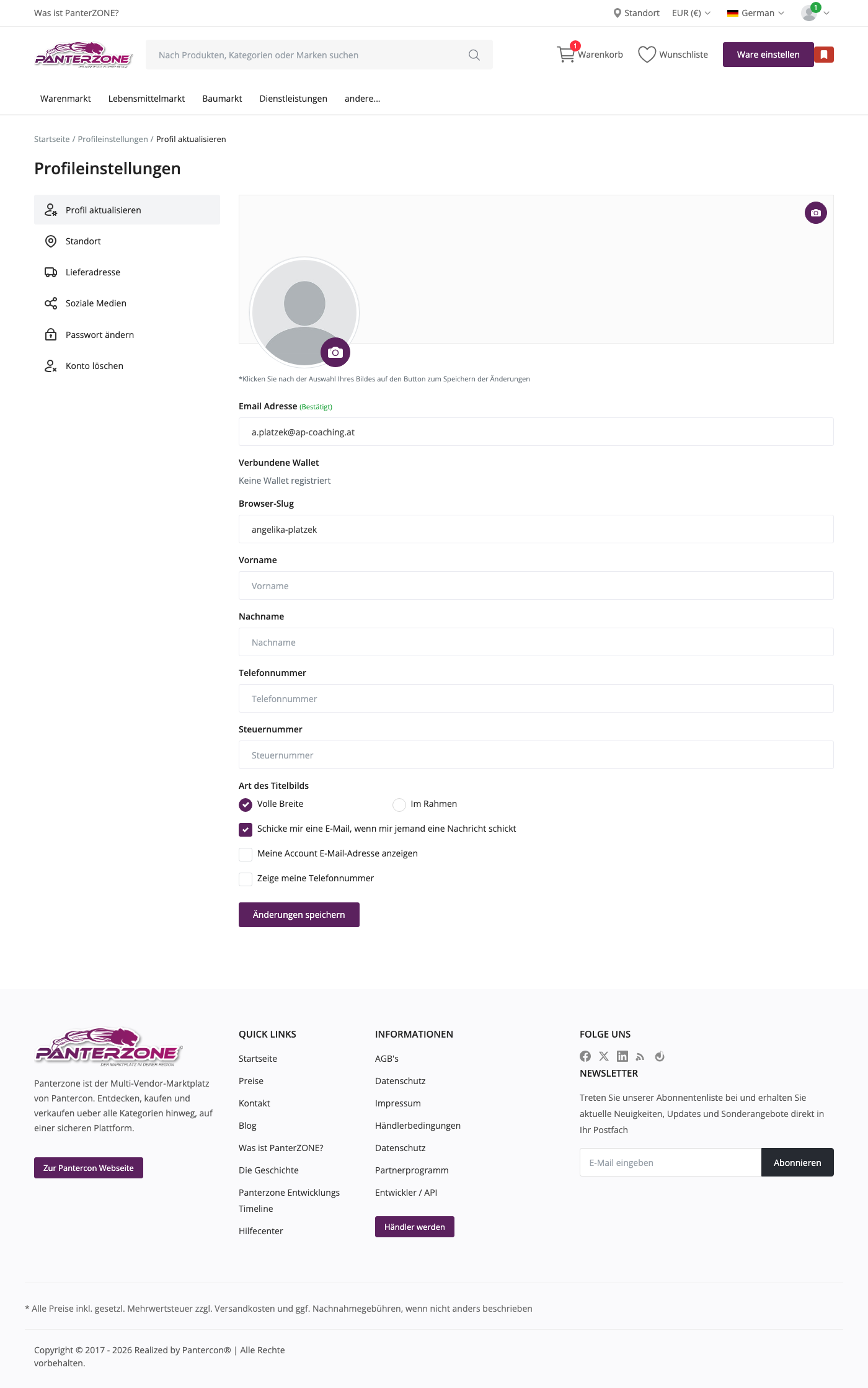
For details, see the documentation: Manage Your Profile.