 Deutsch
 English


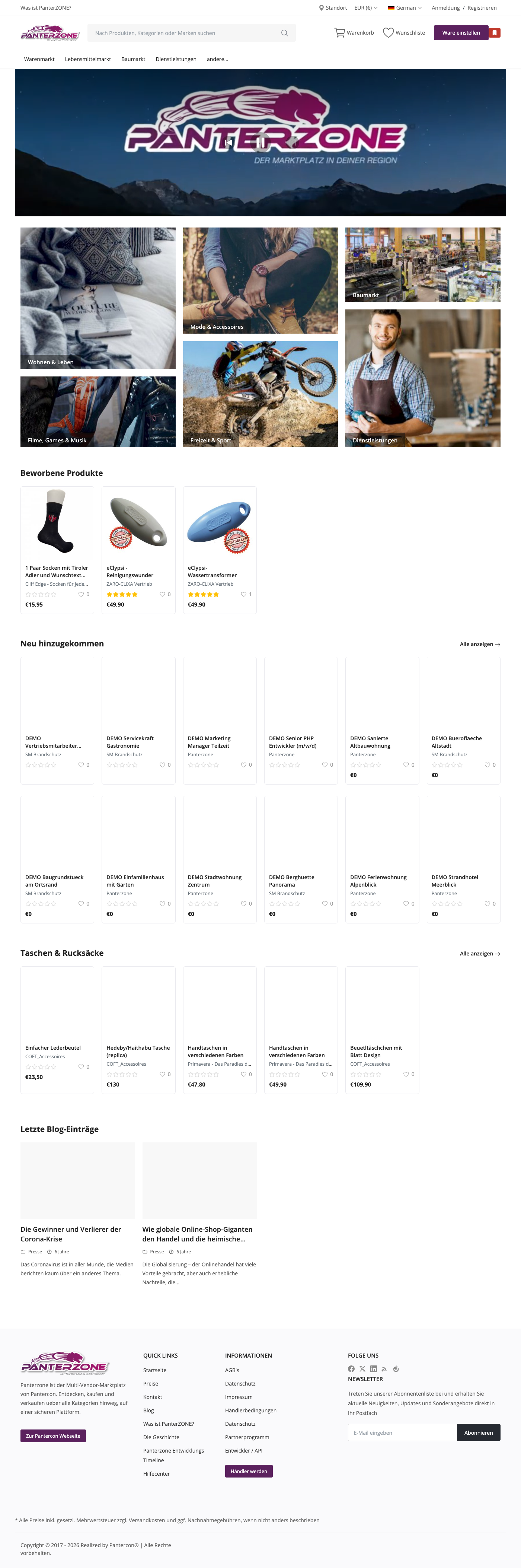
The homepage shows an image slider, featured categories and product sections such as bestsellers. It is fully visible without signing in.
- Search field in the header: finds products, categories and brands (at least 2 characters).
- Navigation bar: splits the catalog into zones such as the goods market, hardware market or Travelzone.
- Cart icon: shows the number of items in your cart and opens it.
Full details in the documentation: Homepage.